Bong Menu
A themed QR menu and ordering storefront for cafés and restaurants, connected directly to Bong POS.
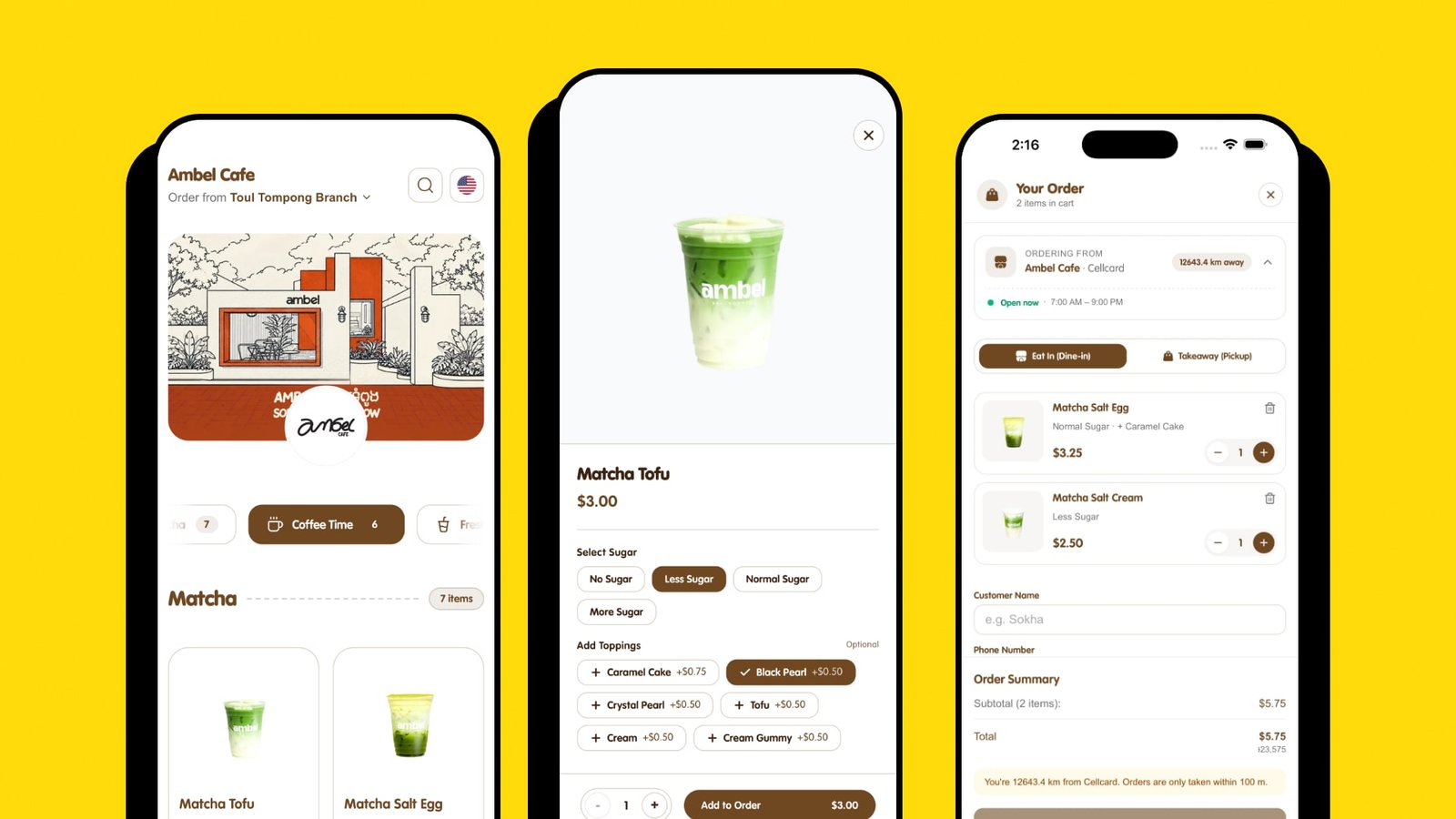
Project Overview
Solving Real Friction
Printed Menus Go Out of Date: A printed menu can't show today's price, a sold-out item or a lunch discount, and every reprint costs money.
The menu is live. It shows the prices of the branch the guest picked, hides items that branch isn't selling, and collects sale items into a "Today's Discount" section automatically.
The Language Barrier: Tourists and Chinese-speaking customers can't read a Khmer-only menu, so staff end up translating at the counter.
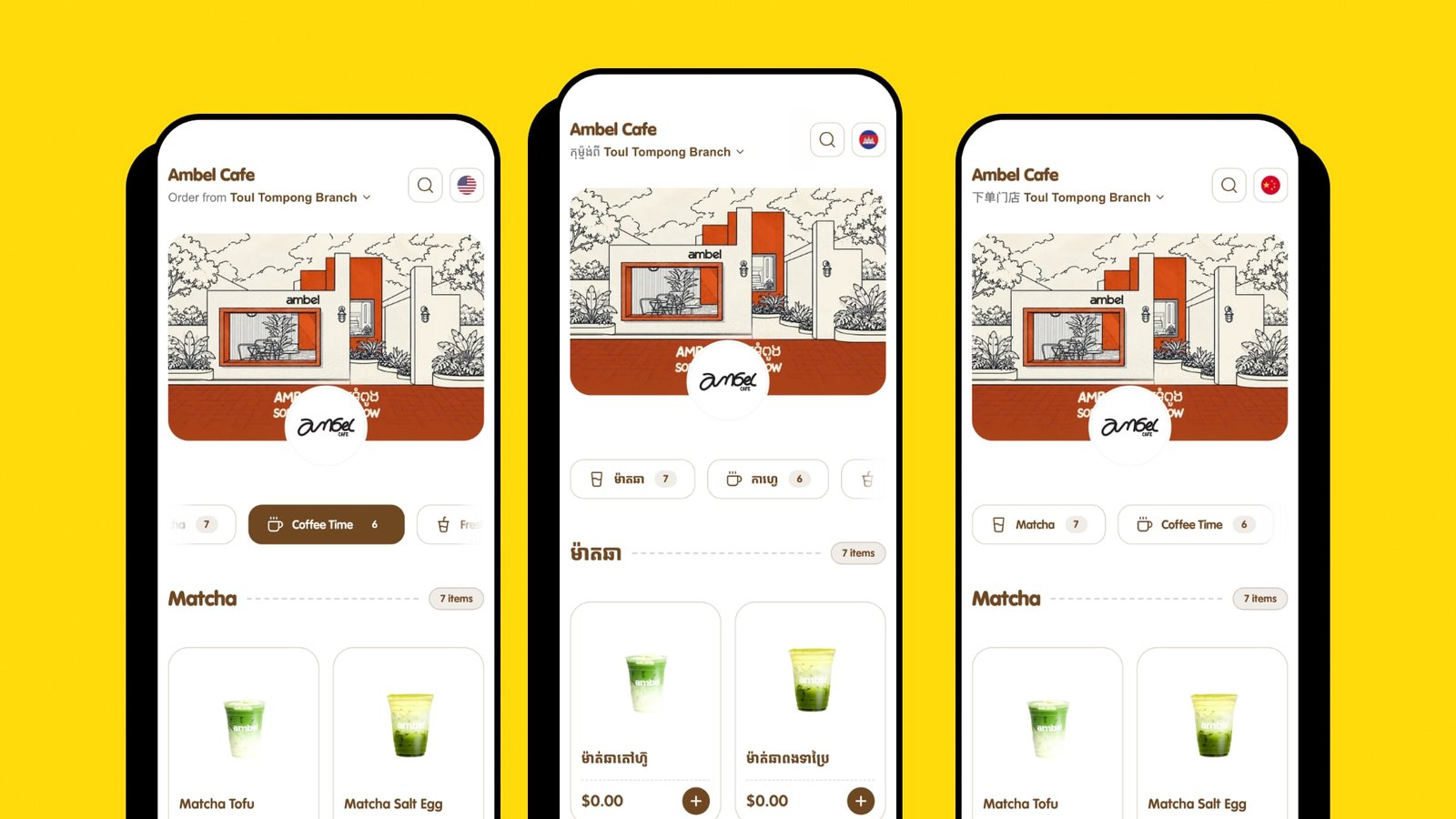
Every category and item is stored in English, Khmer and Chinese. The storefront shows whichever language the guest picks, including built-in sections like "Today's Discount".
Every Shop Looks the Same: Generic QR menus make a specialty coffee bar look like a noodle stall.
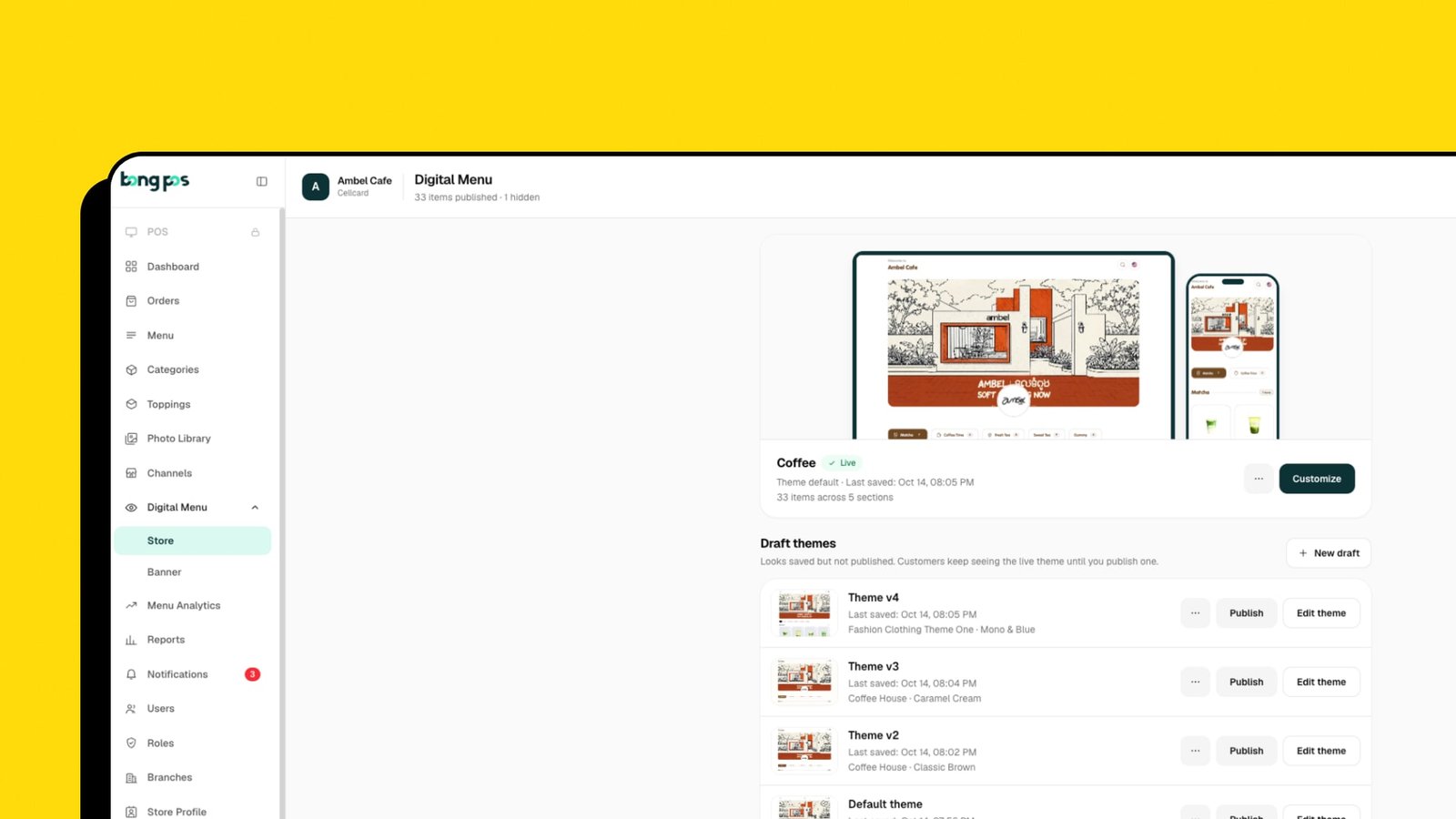
Shops pick from coffee, food, matcha and retail templates and 24 built-in color palettes. They can override individual colors and the heading font, and save drafts before publishing. The previous version can be restored at any time.
Guests Won't Install an App: Asking customers to download an app or create an account loses most of them at the table.
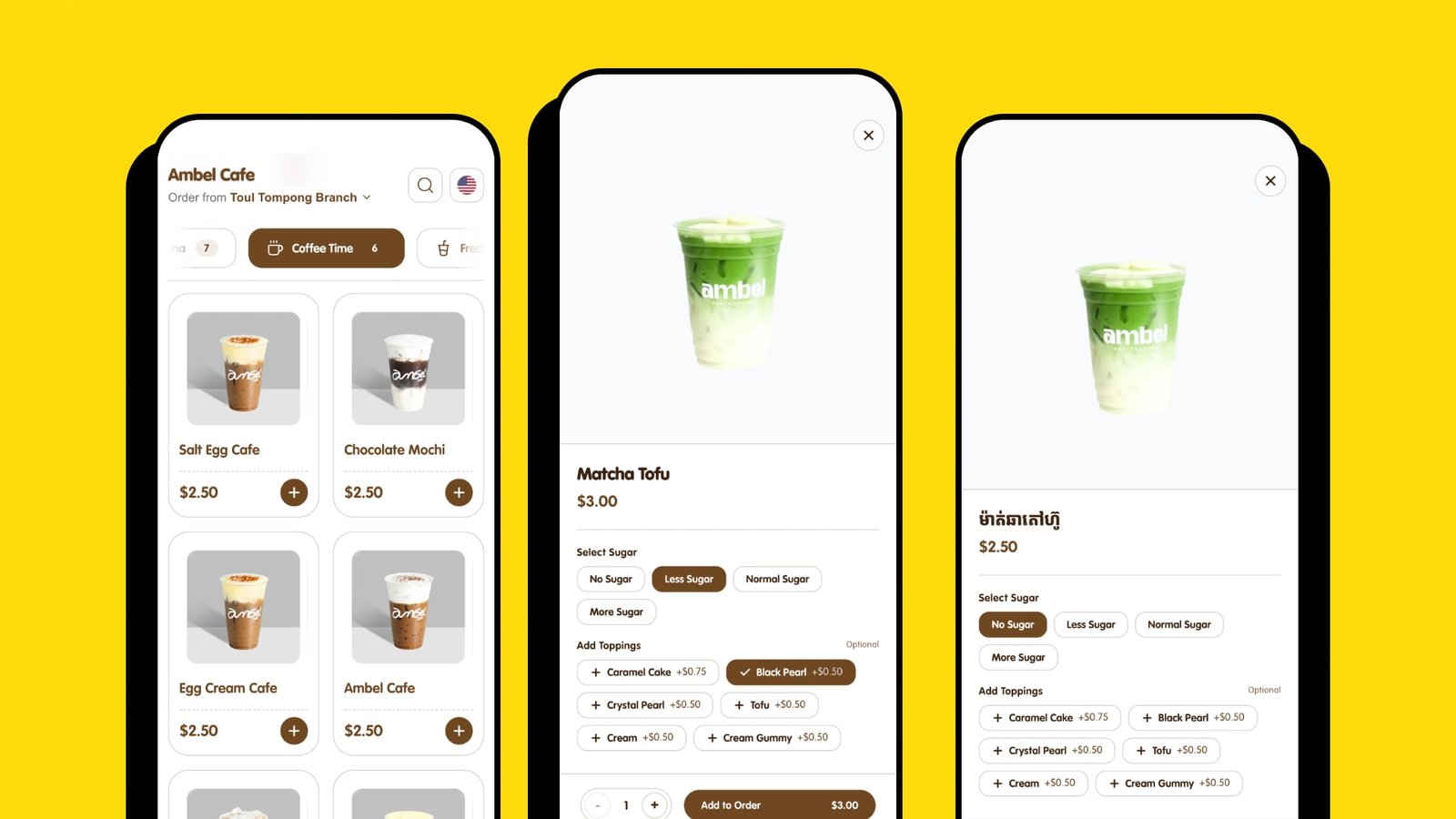
Checkout happens in the browser. The guest picks dine-in or takeaway and can add a table label, name or phone if they like. No login or online payment is needed; they pay at the counter.
Orders Lost Between the Phone and the Kitchen: QR menus that send orders to a chat or email leave staff retyping them into the POS.
Bong Menu orders are created directly in Bong POS and attached to the branch's open shift. The server calculates prices, tax, queue numbers and order numbers, so staff see them right next to counter orders.
A Public Link Invites Abuse: An open ordering link invites prank orders from people nowhere near the shop, or orders after closing.
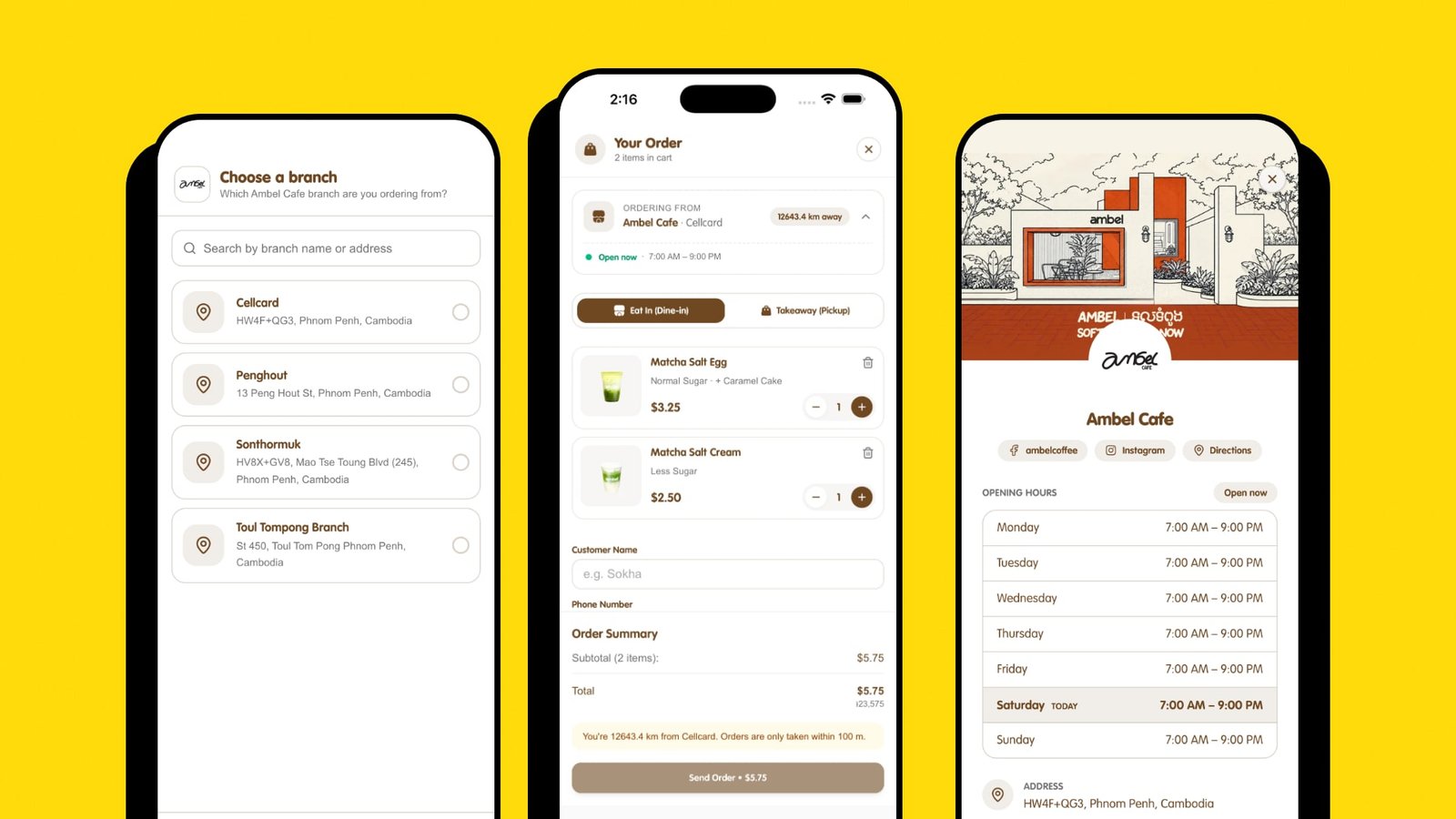
Orders are only accepted while the branch has an open shift and online ordering is switched on. Each branch can limit ordering to a set radius around the shop.
Owners Can't See What Guests Look At: Owners knew what sold, but not what guests browsed, searched for, and left without ordering.
The storefront records visits, category taps, item views, picks and searches by device type. Tracking is rate-limited per session and per IP so bots can't skew the numbers.
Core Architecture
Deep dive into the specialized systems engineered for this project.
Visual Index
A curated selection of interface modules and design system assets (01-04).